WarriorBots.ai
Waldwick Warriors Robotics
A 6-week Saturday morning program where students learn to code with AI and build real robots they take home. No experience needed.
Spring 2026 is full — drop your email to hear about the next season
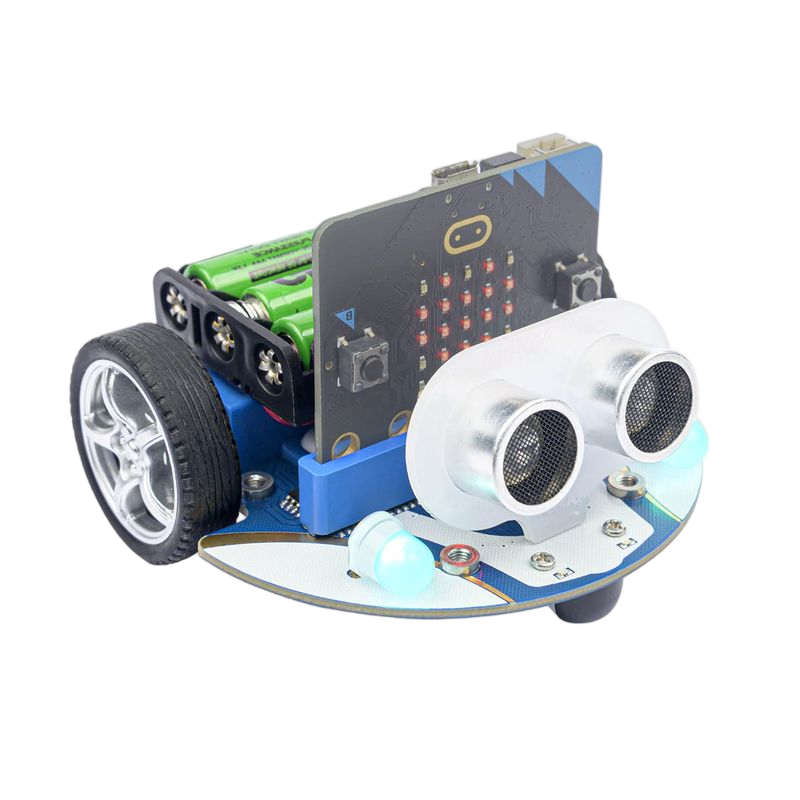
ELECFREAKS Cutebot
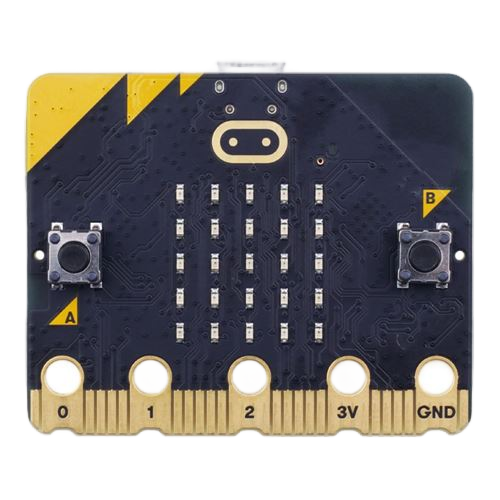
BBC micro:bit V2
Everything your child needs for 6 weeks of hands-on robotics and coding.
6 Saturday sessions
May 2 – June 13 (skipping May 23)
May 2 & May 30: 9:00 – 10:30 AM
All others: 10:30 AM – Noon
Waldwick Volunteer Ambulance Corp
Waldwick, New Jersey
A laptop
Chromebooks are fine. Everything runs in Chrome — nothing to install.
(Waldwick School Accounts won't work)
Each student gets their own ELECFREAKS Cutebot powered by a BBC micro:bit. Motors, RGB headlights, ultrasonic sensor, line-following — theirs to keep.
Final sessions build toward head-to-head robot competitions. Obstacle courses, sumo rings, and more. Students code the strategy, robots execute it.
Real engineering skills using the same AI tools professionals use every day.
Real Python code — variables, functions, loops, conditionals — not drag-and-drop blocks.
Describe what you want in English, and an AI assistant helps write the code. Learn to work WITH AI, not just use it.
Motors, ultrasonic distance sensors, RGB lights, line followers — software controlling physical hardware.
Code, build, test, tweak, repeat. The same build-measure-learn cycle used in real engineering.
Communicate clearly with AI — a skill that's becoming as fundamental as typing.
Design battle algorithms, anticipate opponents, optimize performance. Coding meets competition.
A custom-built, browser-based coding environment designed for this program.
No email addresses, no passwords to remember. Students type their name and enter a class code handed out on paper. They're coding in seconds.
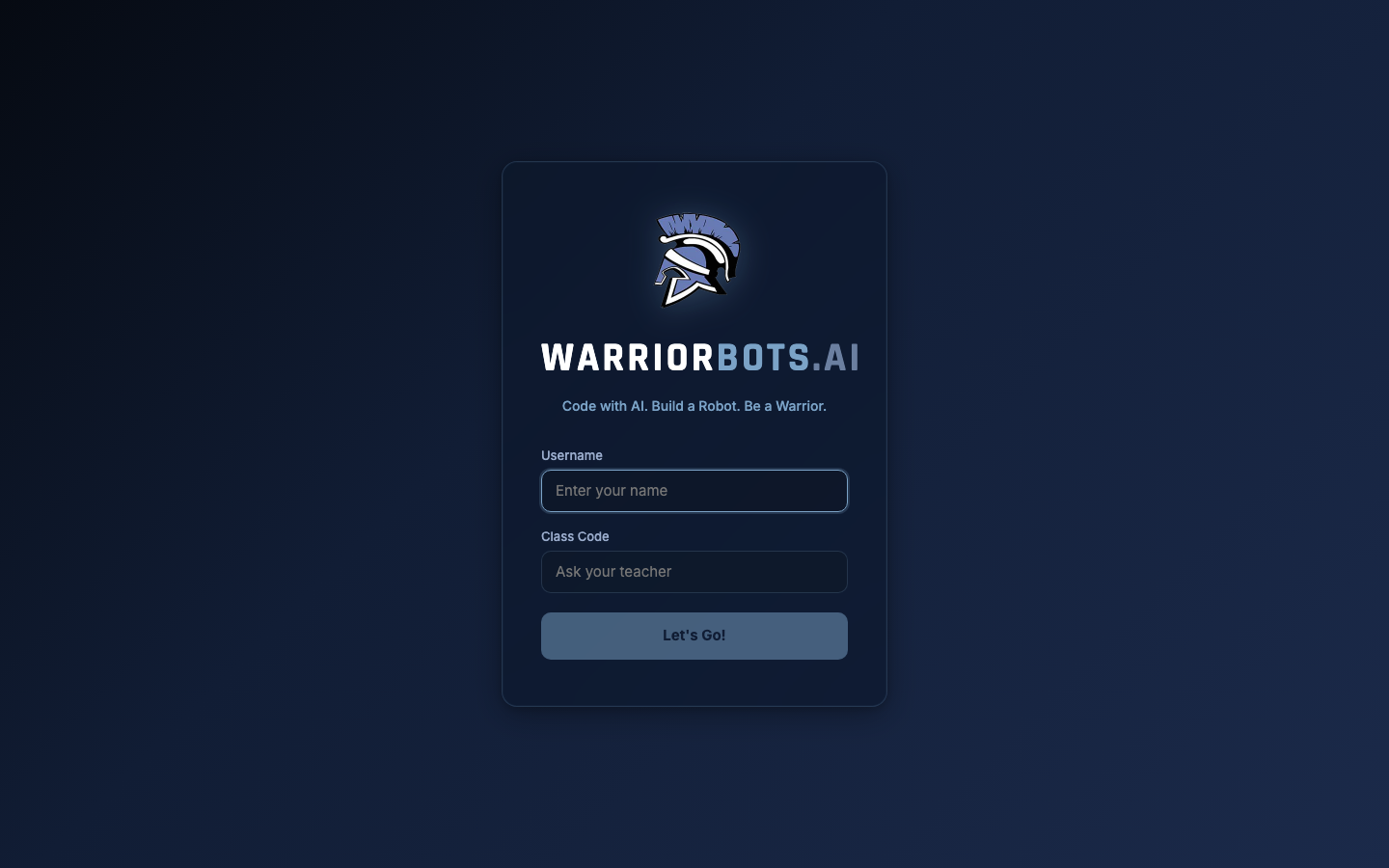
Students describe what they want in plain English. The AI writes Python code, explains what it does, and one click applies it to the editor. Hit "Build & Flash" and the robot comes alive.
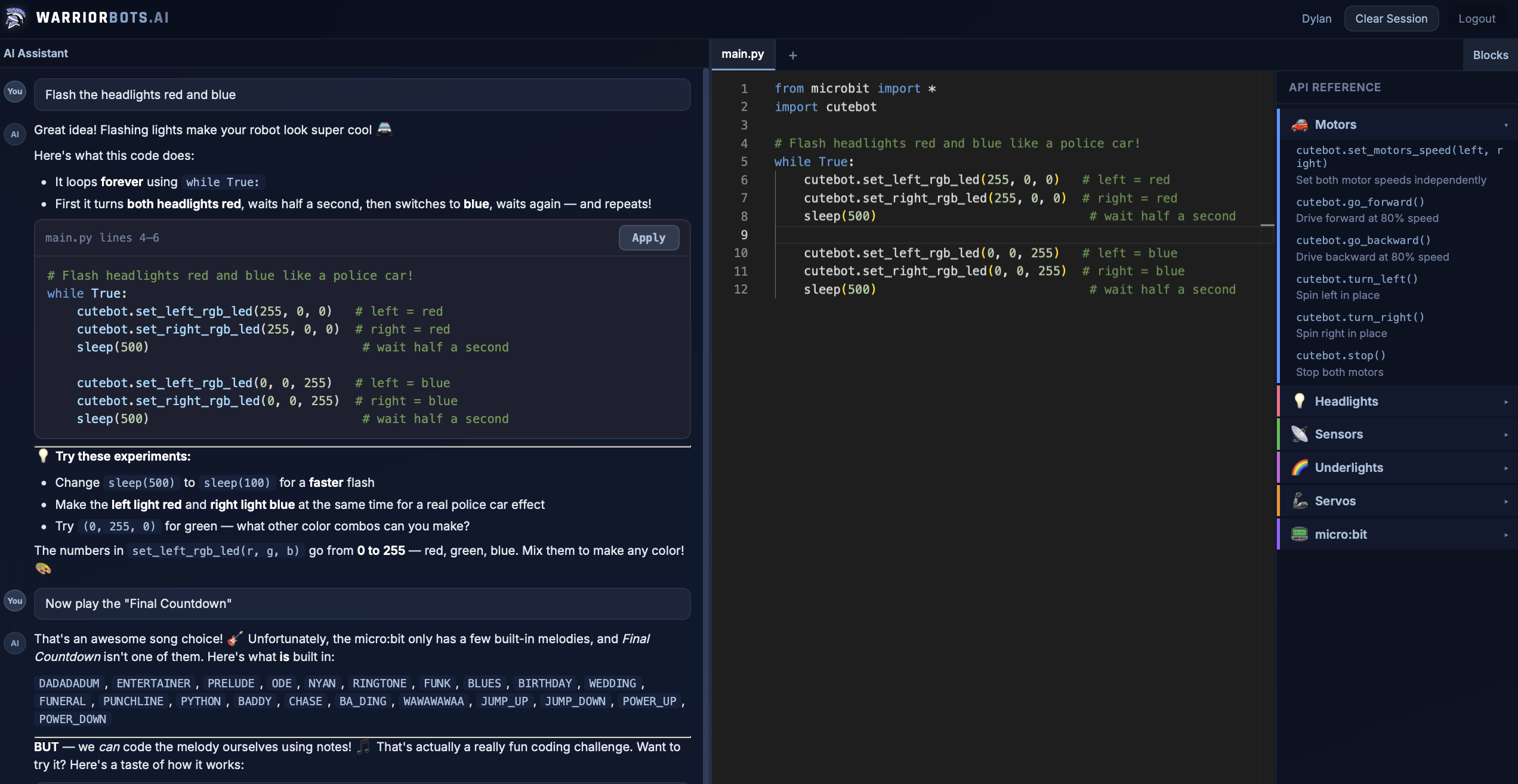
"Vibe Coding" is the engineering practice of using AI assistants to help develop complex programs, while building a deep understanding of fundamental programming concepts. Students don't just copy-paste — they learn to read, understand, and modify the code the AI generates. It's the way professional engineers are working right now, and these kids will be ahead of the curve.
25 years of professional software engineering
Coach Rob has spent his career building data platforms at companies like MLB, Eventbrite, Airbnb, and Hinge. He uses AI coding assistants every single day and built the WarriorBots platform from scratch for this program — because kids deserve better than generic tutorials. LinkedIn
No. The AI assistant guides students step by step, and Coach Rob is there in person. Students who have experience will be challenged with more advanced projects.
Upper elementary and middle school (roughly grades 4–8), but motivated students outside that range are welcome.
Yes. Every student gets their own Cutebot kit (robot + micro:bit). It's theirs to take home.
Any laptop with Google Chrome. Chromebooks work great. Everything runs in the browser. Note: Waldwick School-issued accounts won't work due to browser restrictions.
No session on May 23 (Memorial Day weekend). Sessions run May 2, 9, 16, 30, June 6, and 13. Note that May 2 and May 30 run earlier (9:00–10:30 AM); the other four sessions are 10:30 AM–Noon.
Spring 2026 is underway and registration is closed. Fill out the interest form and we'll let you know when the next season opens.
🔔 Join the Interest ListTakes 30 seconds — just your email, grade, and Saturday availability.
View the 2026 program flyer